
PDF guides
Short, practical step-by-step guides for everyday PDF tasks on Windows – all done offline, on your own computer.
 How to sign a PDF without printing it
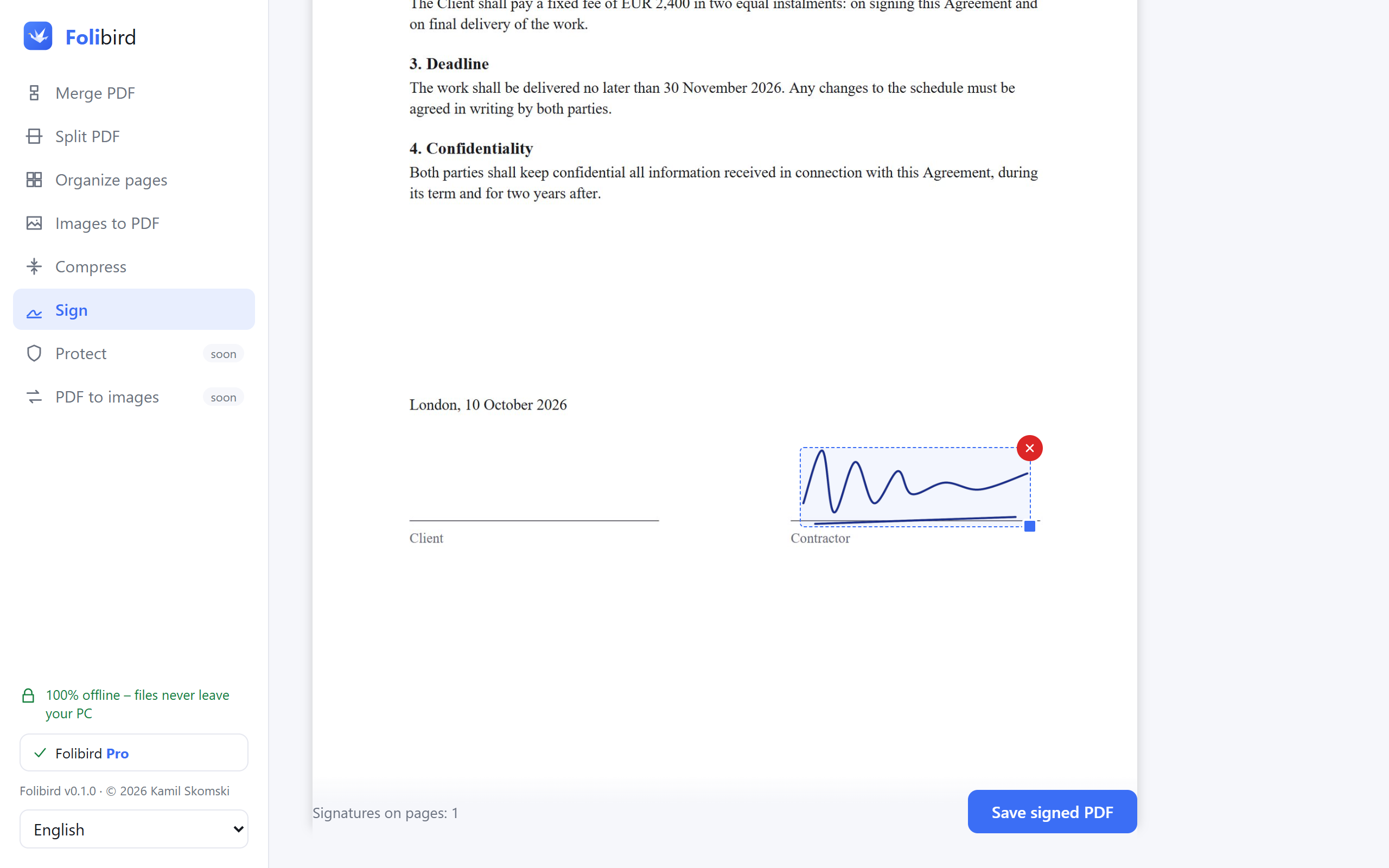
Sign a PDF on your PC in under a minute – draw your signature or use a photo of it. No printing, no scanning, no uploading the document anywhere.
How to sign a PDF without printing it
Sign a PDF on your PC in under a minute – draw your signature or use a photo of it. No printing, no scanning, no uploading the document anywhere.
 How to fill in a PDF form without printing it
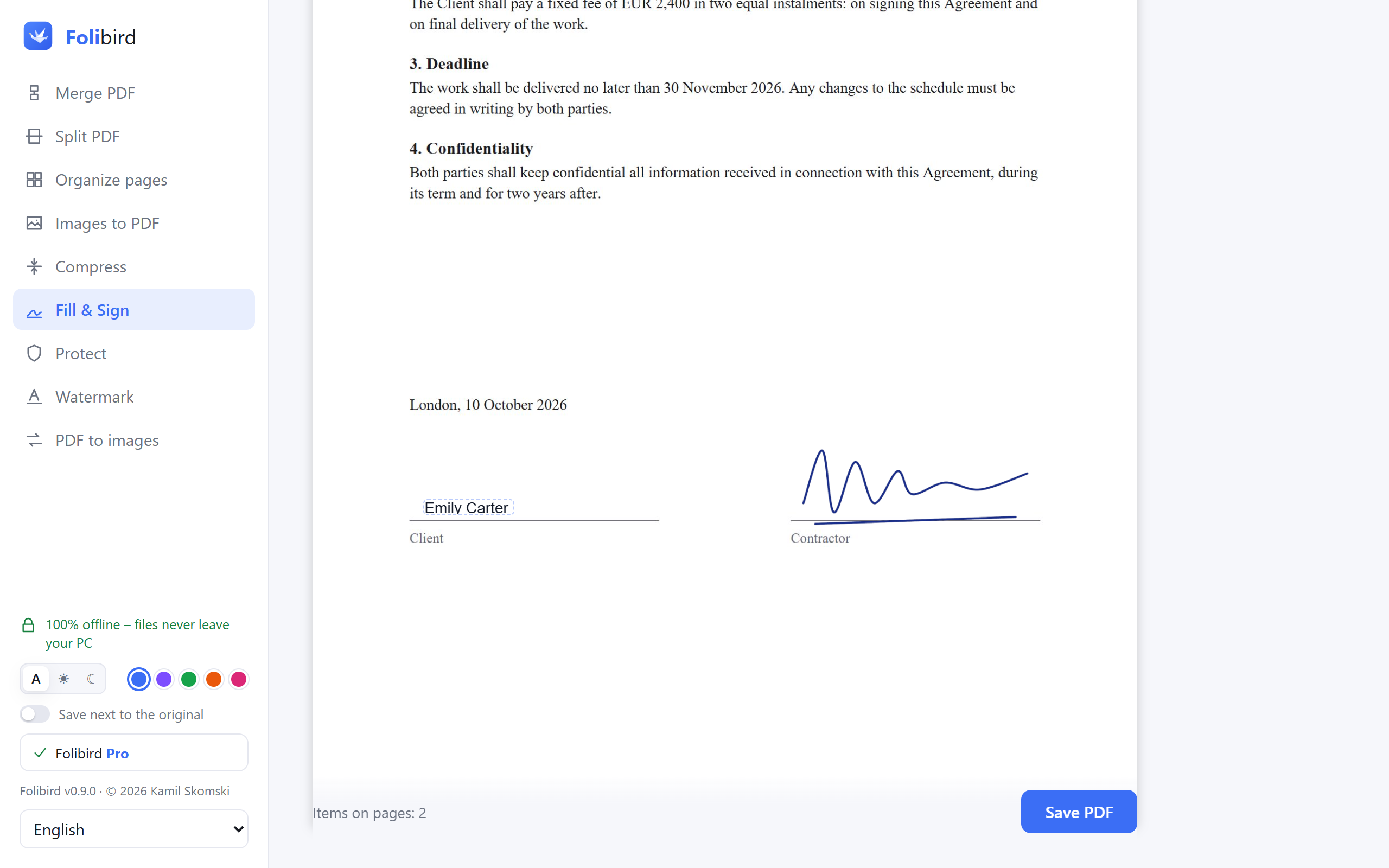
Fill in any PDF form on your computer – type text, add the date, tick boxes and sign. Works even with scanned forms. No printing, no upload.
How to fill in a PDF form without printing it
Fill in any PDF form on your computer – type text, add the date, tick boxes and sign. Works even with scanned forms. No printing, no upload.
 How to make a PDF smaller to send by email
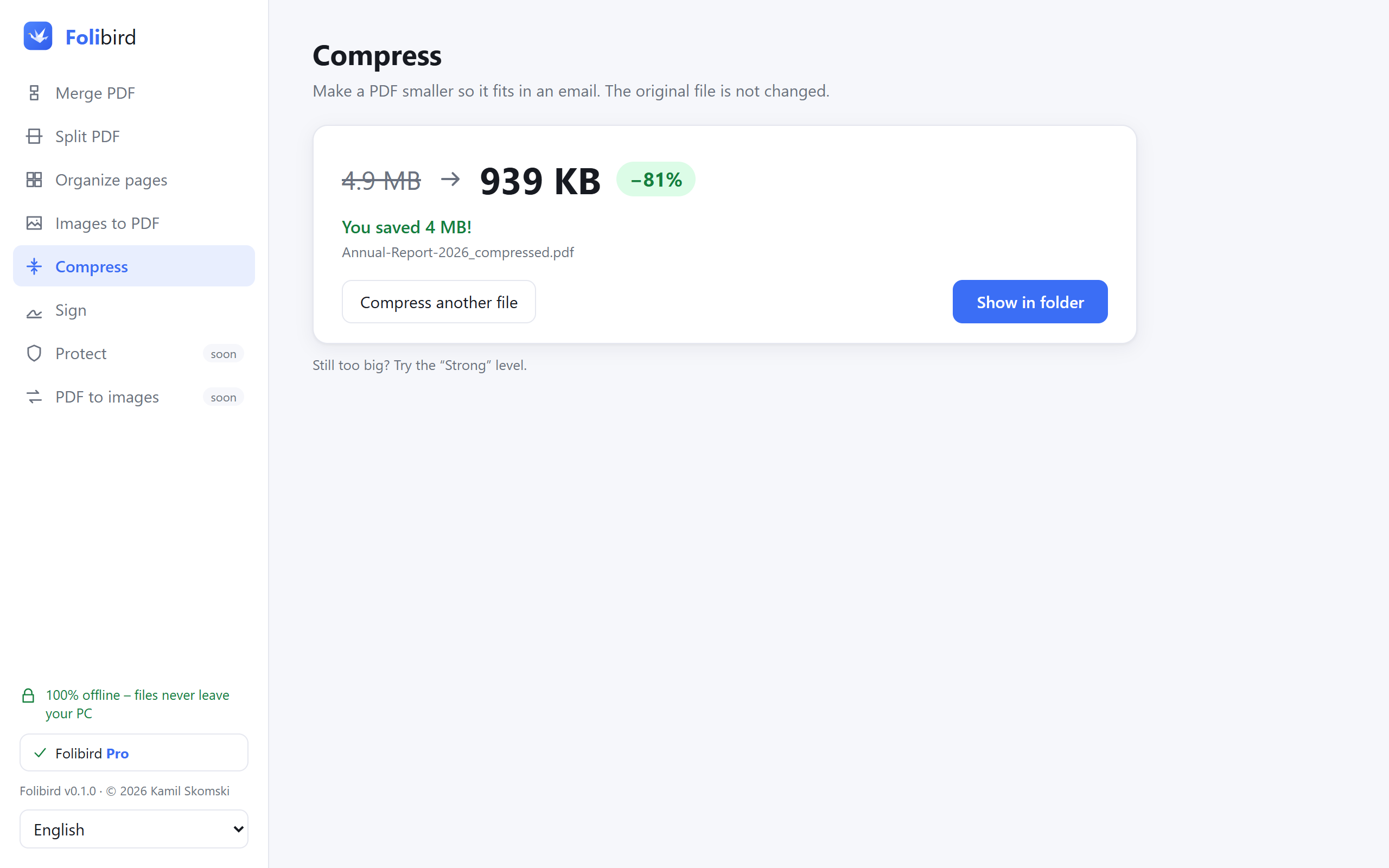
PDF too big to attach? Compress it on your PC in seconds – up to 10× smaller, text stays sharp. No upload, no account.
How to make a PDF smaller to send by email
PDF too big to attach? Compress it on your PC in seconds – up to 10× smaller, text stays sharp. No upload, no account.
 How to merge PDF files into one
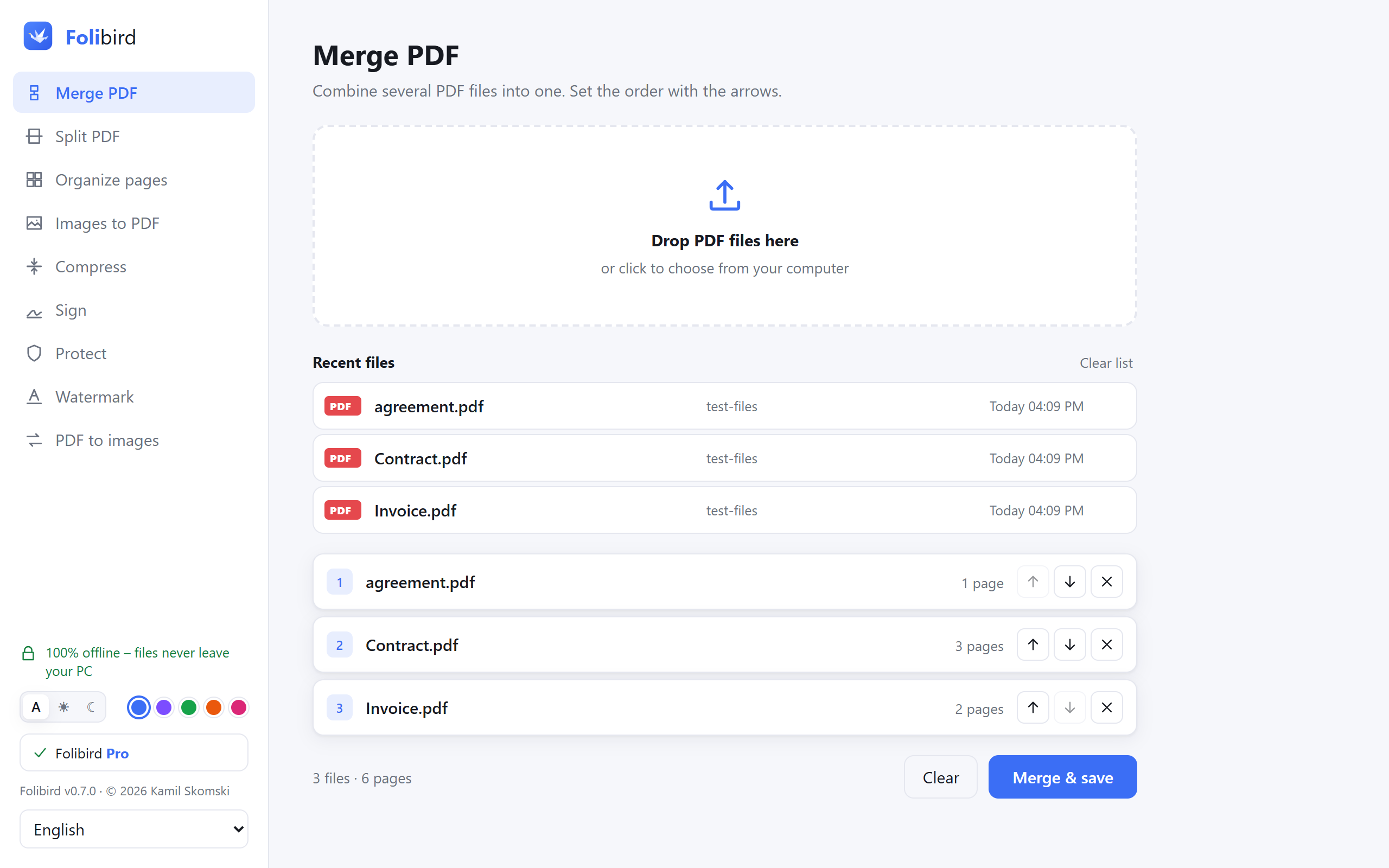
Combine several PDFs into one file on your PC – free, no limits, no upload. Set the order with arrows and save.
How to merge PDF files into one
Combine several PDFs into one file on your PC – free, no limits, no upload. Set the order with arrows and save.
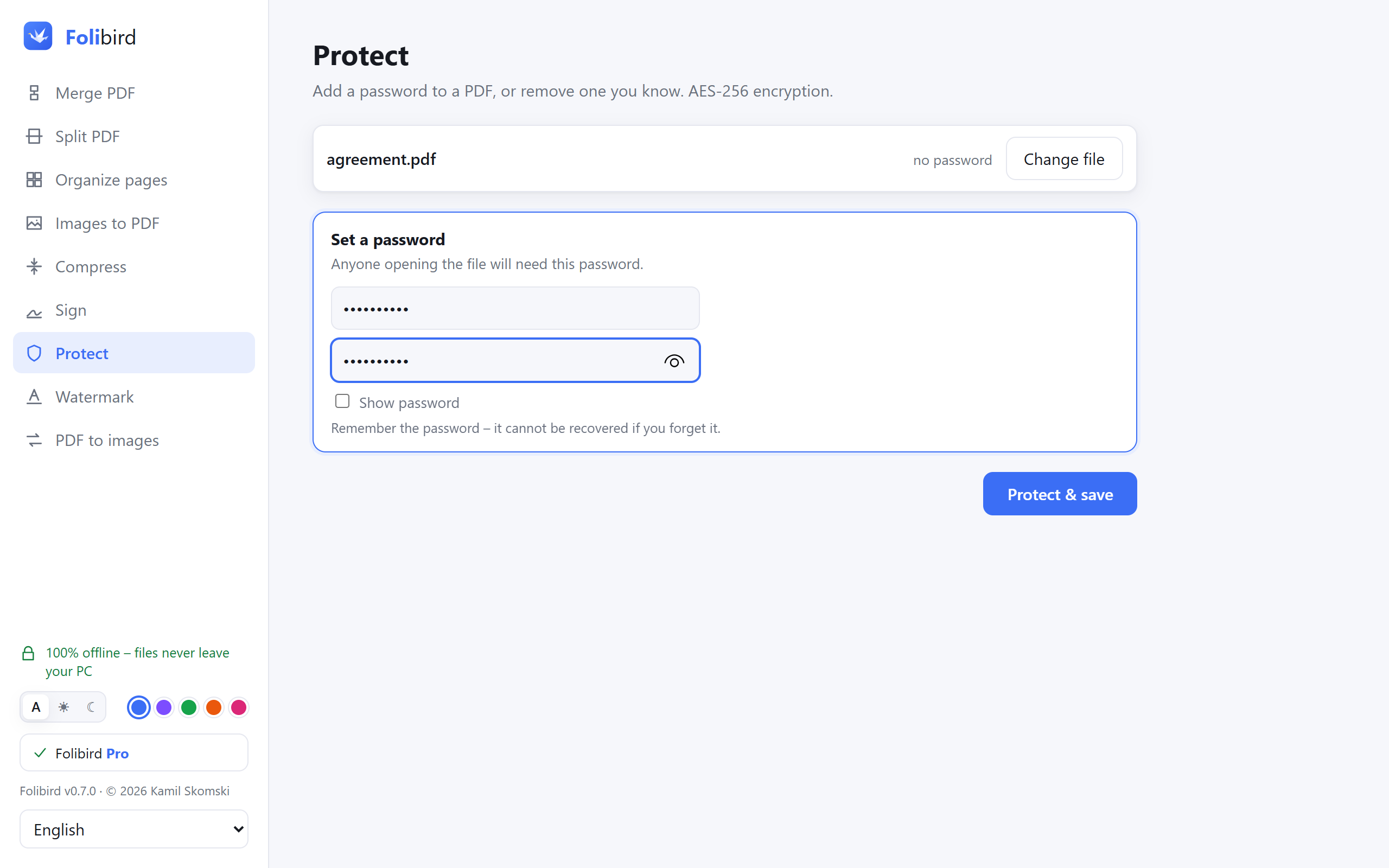 How to password-protect a PDF
Add a password to a PDF on your PC with strong AES-256 encryption – or remove a password you know. No upload, no account.
How to password-protect a PDF
Add a password to a PDF on your PC with strong AES-256 encryption – or remove a password you know. No upload, no account.
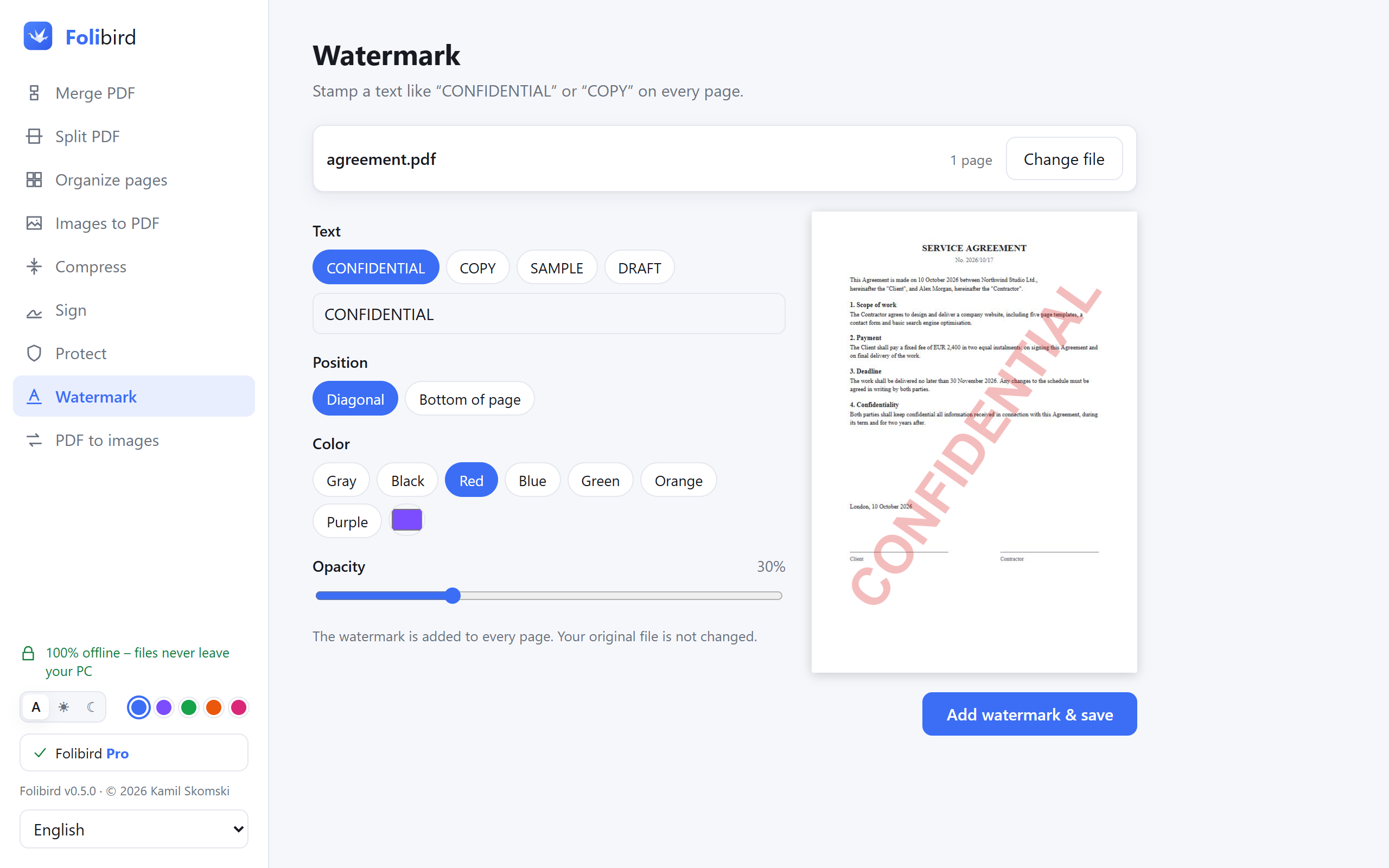 How to add a watermark to a PDF
Stamp “CONFIDENTIAL”, “COPY”, “DRAFT” or your own text on every page of a PDF – on your PC, with a live preview. No upload.
How to add a watermark to a PDF
Stamp “CONFIDENTIAL”, “COPY”, “DRAFT” or your own text on every page of a PDF – on your PC, with a live preview. No upload.
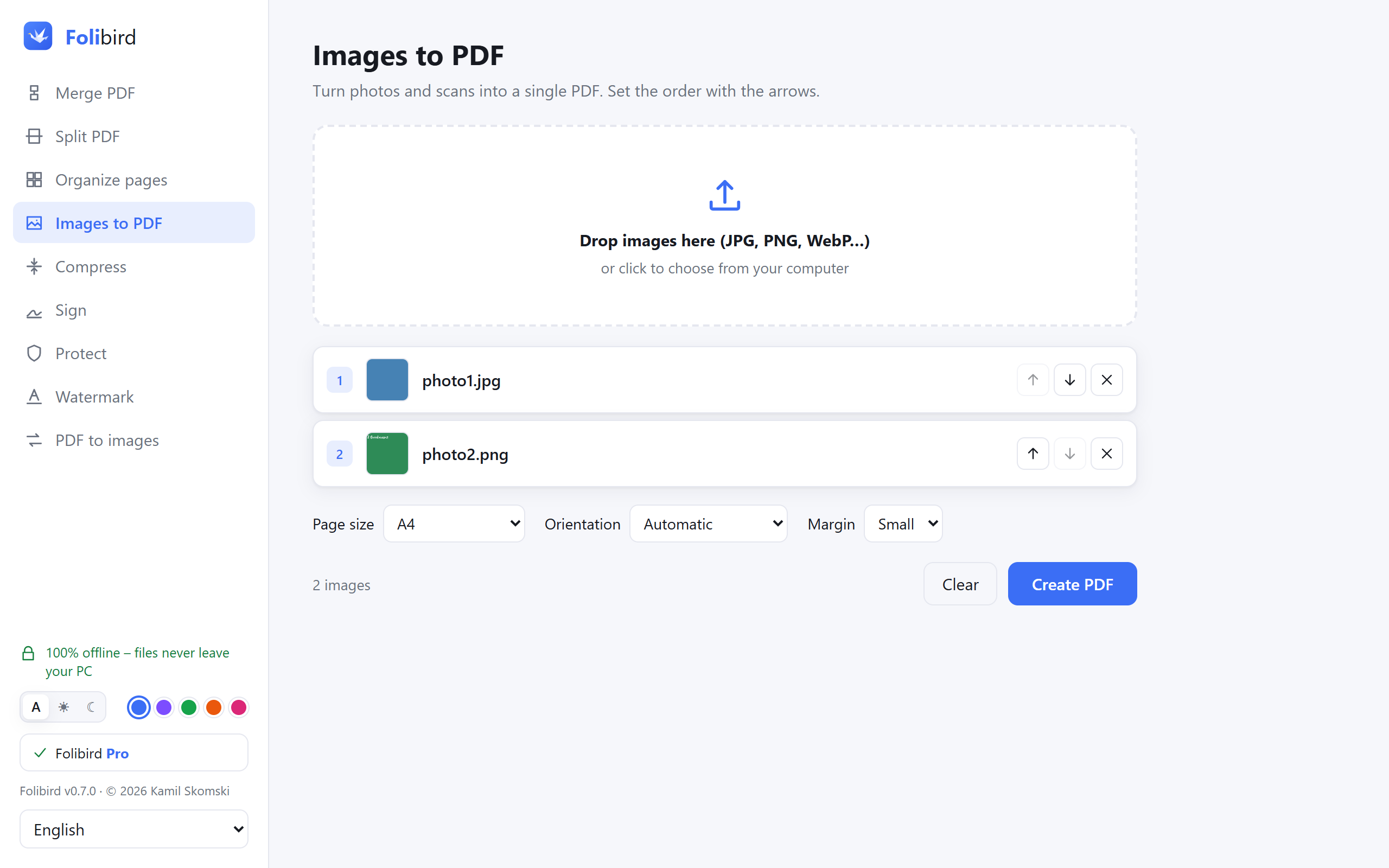 How to convert JPG photos to a PDF
Turn photos and scans (JPG, PNG, WEBP) into a single PDF on your PC – free, no limits, no upload. A4 or Letter pages, margins, any order.
How to convert JPG photos to a PDF
Turn photos and scans (JPG, PNG, WEBP) into a single PDF on your PC – free, no limits, no upload. A4 or Letter pages, margins, any order.