
How to sign a PDF without printing it
Someone sent you a contract or a form to sign, and you don’t have a printer – or you just don’t want to print, sign and scan it again. You can put your handwritten signature on the PDF straight from your computer. Here’s how to do it on Windows in under a minute, without uploading the document to any website.
Pro feature – try it 3 times for free. Pro costs $13 once, no subscription.
Step by step
Open the Fill & Sign tool
Install Folibird (free, 4 MB) and choose Fill & Sign on the left. You can also right-click the PDF in File Explorer and pick Folibird → Fill & Sign.
Create your signature once
Click New signature. Draw it with the mouse, touchpad or a pen – or switch to Photo of signature, sign a white sheet of paper and pick a photo of it. The background is removed automatically. Your signature is remembered for next time.
Place it on the page
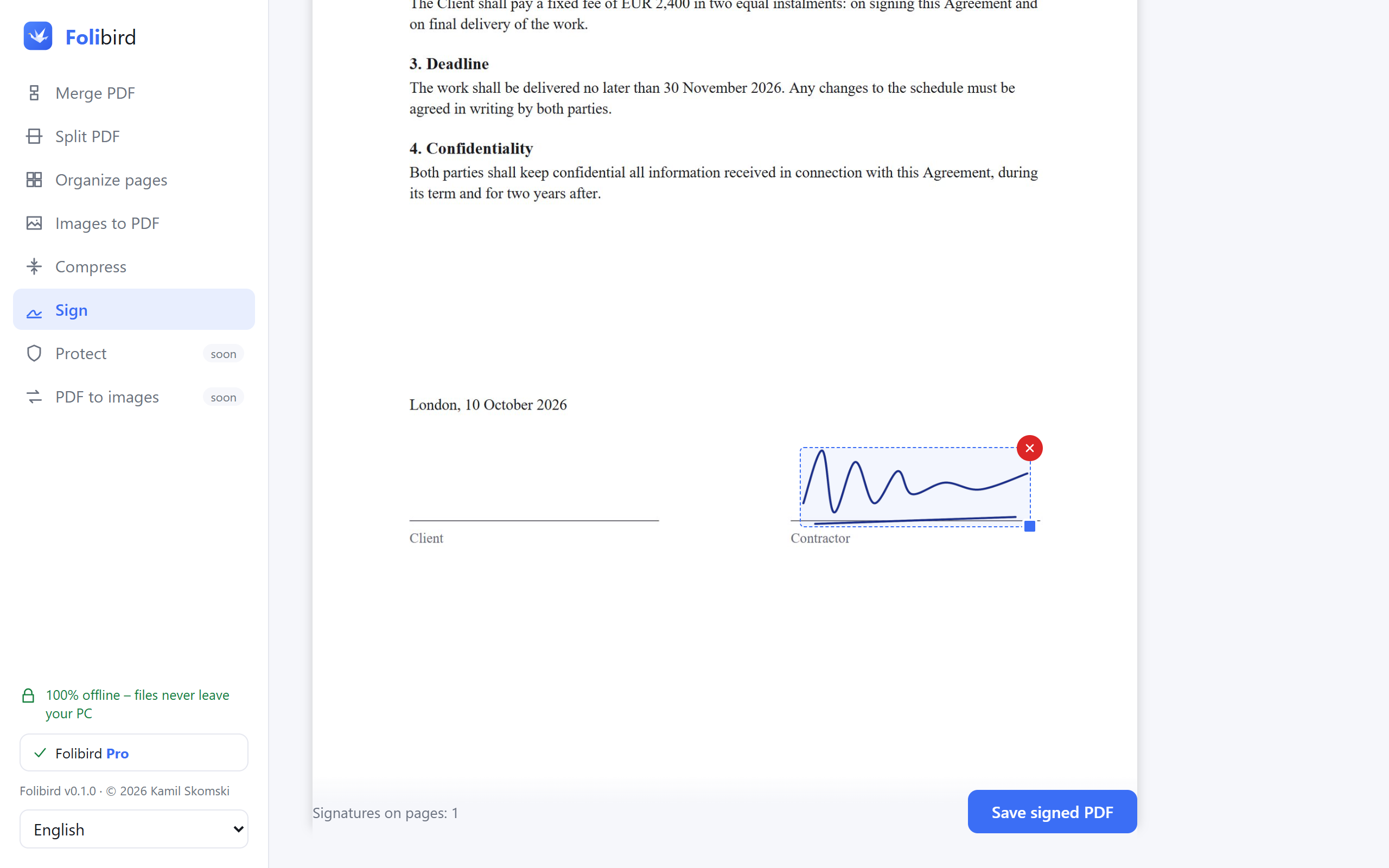
Scroll to the page with the signature line and click your signature. Drag it into place and drag the corner to make it bigger or smaller. You can sign several pages.
Save the PDF
Need to add your name or the date too? Use Text and Date. Then click Save PDF and choose a name. The original file stays unchanged – you get a new, signed copy ready to send.
Why do it with Folibird
- The contract never leaves your PC – no online service sees it
- Works without internet, without an account
- A photo of your real signature looks exactly like ink on paper
- Your signature is saved, so next time it takes 10 seconds
Frequently asked questions
Is a signature added this way legally valid?
It is the digital equivalent of signing a printout and scanning it, which is enough for most everyday documents: rental agreements, contracts with clients, forms, consents. It is not a qualified electronic signature – some official procedures require one.
Can I sign a PDF for free?
Signing is a Pro feature, but you can use it 3 times for free – enough to sign the document you need today.
Can I sign a PDF on a laptop without a touchscreen?
Yes. Draw the signature with the touchpad, or – for the best look – sign a sheet of paper and use a phone photo of it.
Will the person I send it to see the signature?
Yes. The signature becomes part of the page, so it shows in every PDF reader: Adobe, Edge, Chrome, phones.