
How to make a PDF smaller to send by email
Gmail and Outlook block attachments over 20–25 MB, and many offices and online forms accept only a few megabytes. Scanned documents and PDFs full of photos easily go over that. Here’s how to shrink a PDF on Windows without sending it to an online compressor.
The Light level is free forever. Recommended and Strong are Pro – try each 3 times for free.
Step by step
Open the Compress tool
Install Folibird and choose Compress. Drop the PDF onto the window or click to pick it.
Choose a level
Light cleans up the file with no quality loss – best for text documents. Recommended shrinks the photos inside the PDF while text stays perfectly sharp. Strong makes the smallest file; scans get visibly lower quality.
Compress and save
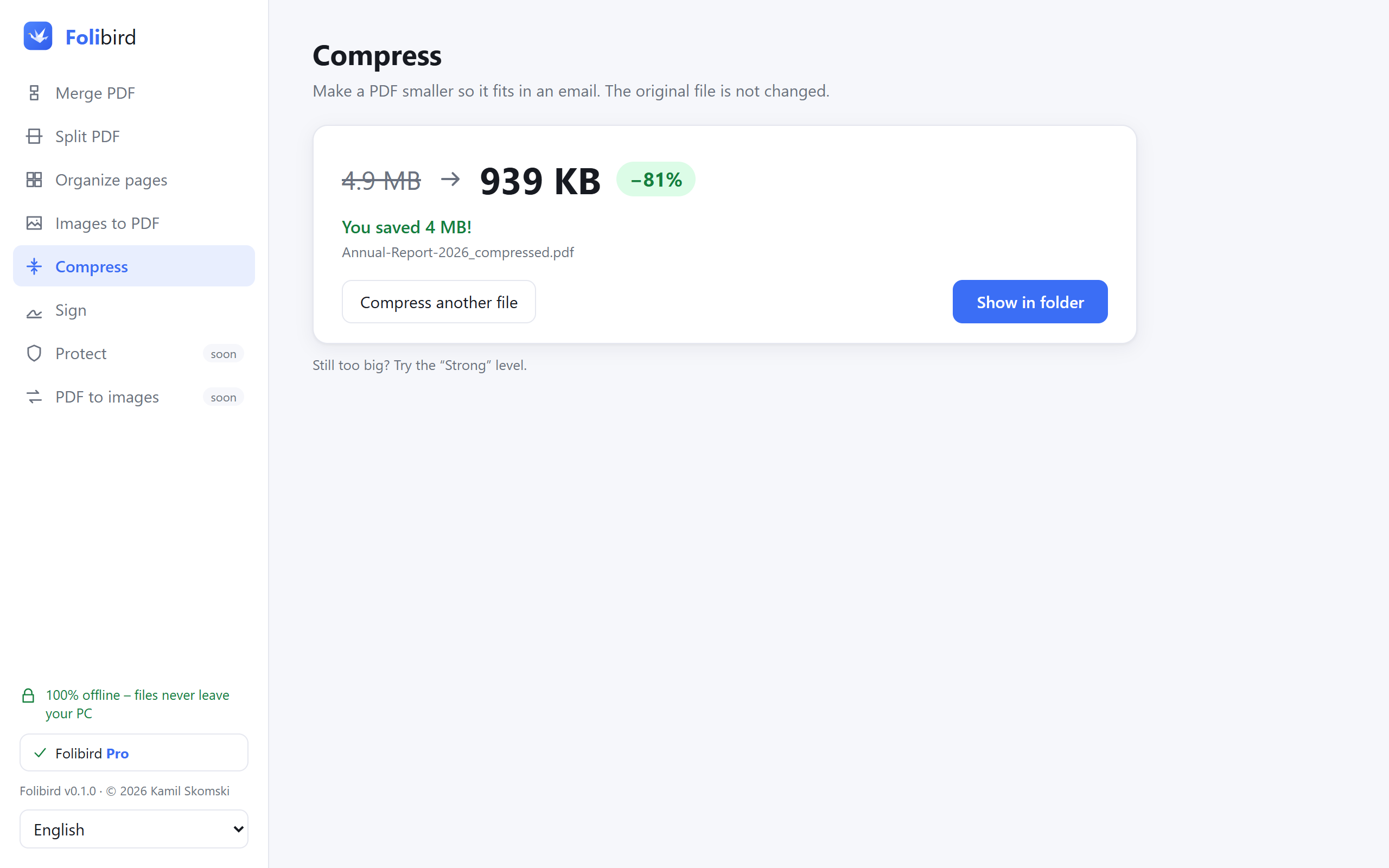
Click Compress & save. You’ll see the size before and after. The original file is not changed.
Still too big?
Try the Strong level, or split the PDF into parts with the Split tool and send them in separate emails.
Why do it with Folibird
- Up to 10× smaller files, especially scans and photo-heavy PDFs
- Your document is never uploaded – important for invoices, contracts, medical files
- No file size limits and no daily limits
- Text and vector graphics stay sharp – only photos are optimized
Frequently asked questions
Is compressing a PDF free?
The Light level is free forever. Recommended and Strong are Pro levels – you can try each of them 3 times for free.
Will the text become blurry?
No. Folibird only re-compresses the photos inside the PDF. Text stays as text, so it is just as sharp as before.
Why didn’t my PDF get smaller?
If the PDF contains only text, it is usually already small and well optimized. Compression helps most with scans and documents full of photos.
Can I compress many PDFs at once?
Yes – with Pro, select or drop many PDFs at once. Folibird compresses them one after another into a folder you choose and shows the result for each file.
What’s the maximum attachment size?
Gmail and Outlook.com allow about 20–25 MB per email. Many company mail servers allow 10 MB or less, and online forms often only 2–5 MB.