A Smallpdf alternative that works offline, with no subscription
Smallpdf is a well-known online PDF service with a clean design. Its free version is limited, and the full version is a subscription. If you mostly compress, merge and sign PDFs on Windows, Folibird does that offline – free tools plus a one-time Pro upgrade.
Folibird vs Smallpdf
| Folibird | Smallpdf | |
|---|---|---|
| Where files are processed | On your PC | On their servers (web version) |
| Works without internet | ✓ | Web version: no |
| Free version | Free tools without limits | Limited |
| Compress, merge, split, sign | ✓ | ✓ |
| Password-protect PDFs | ✓ | ✓ |
| Pricing | Core tools free · Pro one-time | Subscription (Pro) |
| Text recognition (OCR) | Pro – offline | ✓ |
| PDF to Word, editing | ✗ | ✓ |
| Phone, Mac, any browser | ✗ | ✓ |
When Folibird is the better choice
Choose Folibird if you want everyday PDF tools on Windows without uploading files, without daily limits and without a monthly bill.
When Smallpdf is the better choice
Choose Smallpdf if you need PDF-to-Word conversion or e-signature requests sent to other people, or if you work on many different devices.
Frequently asked questions
How small does Folibird make PDFs?
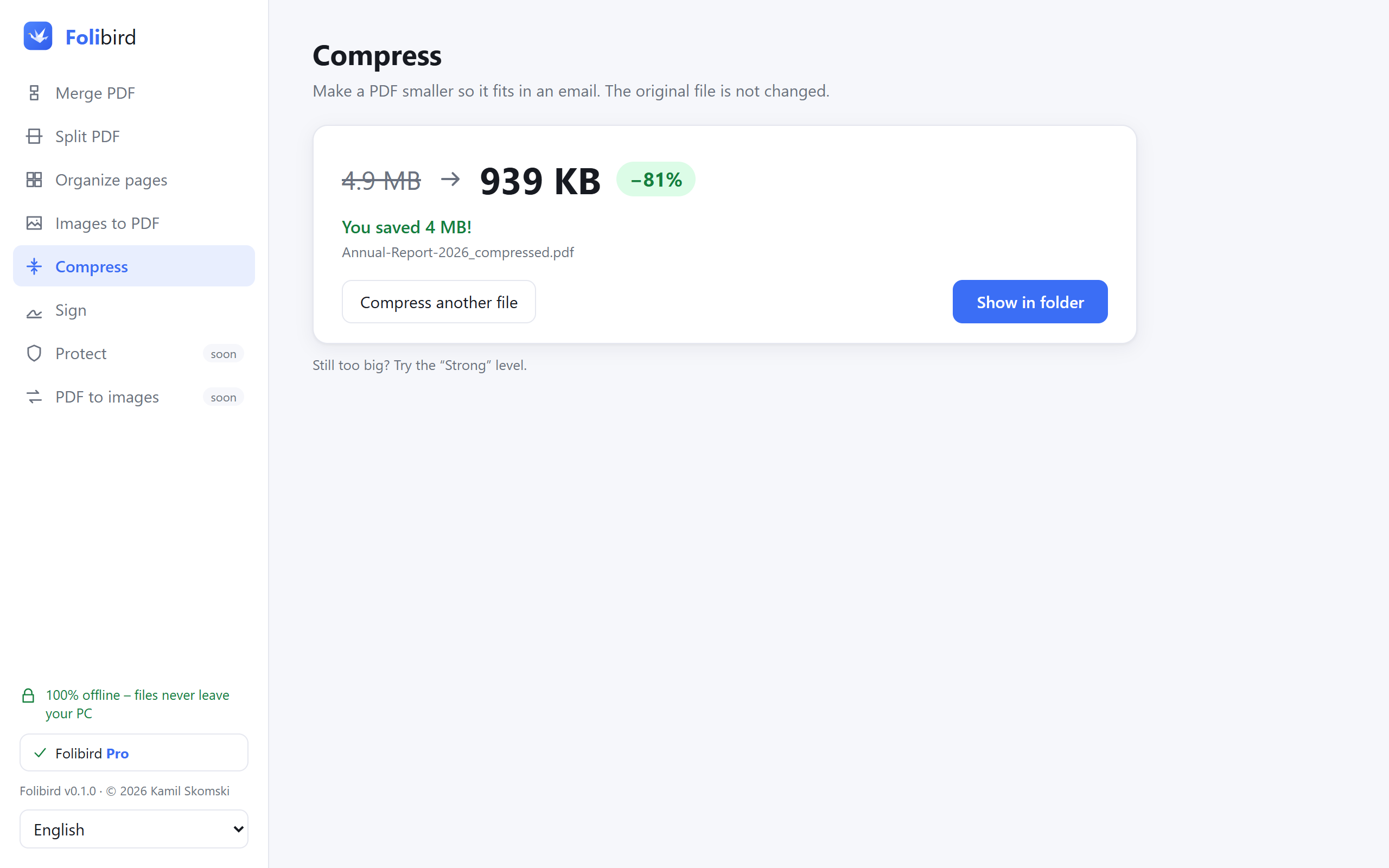
Scans and photo-heavy PDFs often get 5–10× smaller with the Recommended level, while text stays sharp.
Do I need an account?
No. Folibird works without any account; only activating Pro uses the internet to check the key.
Can I try Pro before paying?
Yes – every Pro tool can be used 3 times for free.
More PDF guides
- How to sign a PDF without printing it
- How to fill in a PDF form without printing it
- How to make a PDF smaller to send by email
- How to merge PDF files into one
- How to password-protect a PDF
- How to add a watermark to a PDF
Adobe, Acrobat, iLovePDF and Smallpdf are trademarks of their respective owners. Folibird is an independent product and is not affiliated with them. Comparison based on publicly available information as of October 2026 – features and pricing of other products may change, please check their websites.