
An iLovePDF alternative that never uploads your files
iLovePDF is a popular set of online PDF tools – you open the website, upload a file, wait, and download the result. That’s handy, but your document goes to someone else’s server. Folibird does the same everyday jobs on your own PC.
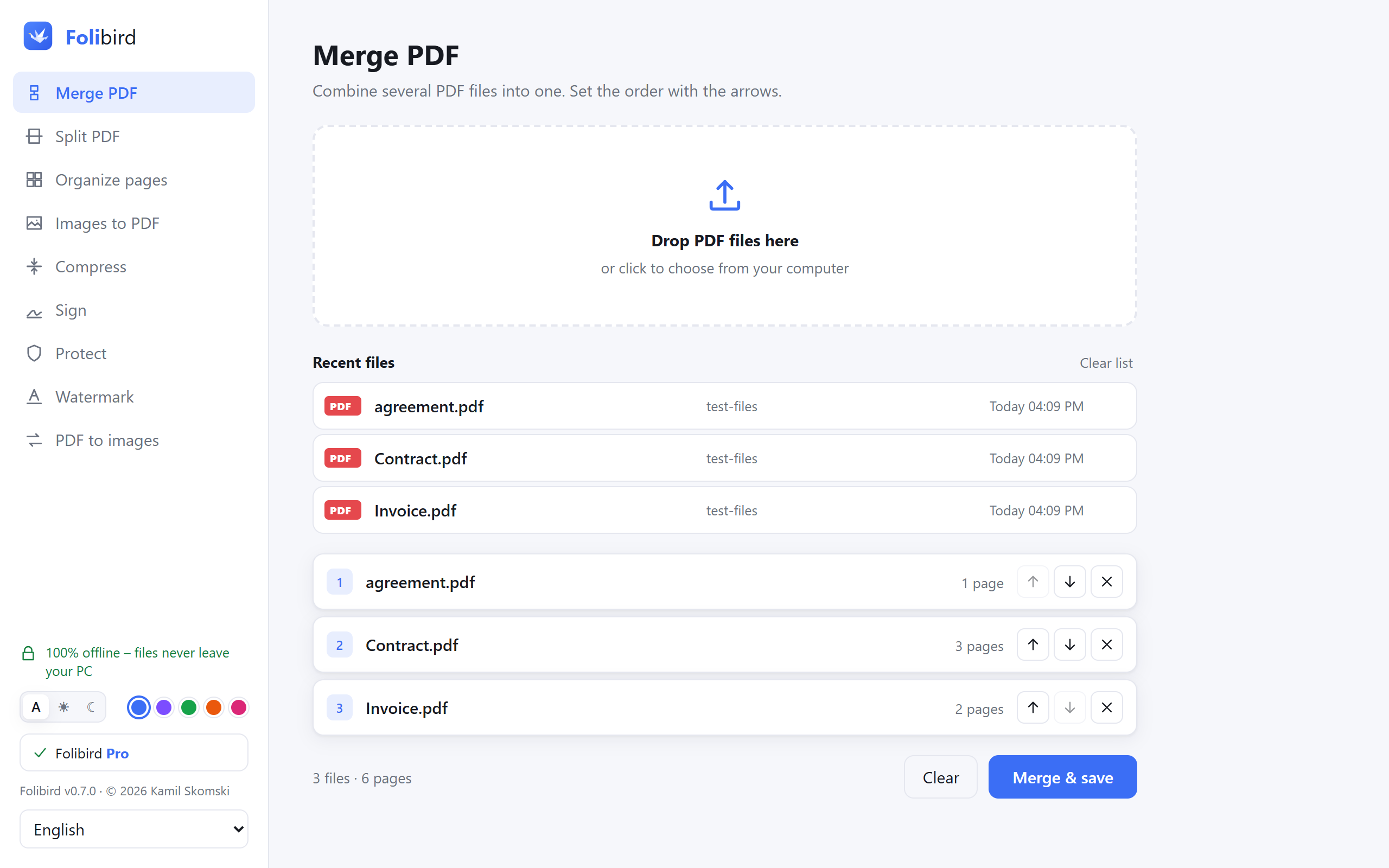
Folibird vs iLovePDF
| Folibird | iLovePDF | |
|---|---|---|
| Where files are processed | On your PC | On their servers (web version) |
| Works without internet | ✓ | Web version: no |
| Merge, split, organize, JPG ↔ PDF | Free, no limits | Free with limits |
| Compress, sign, protect, watermark | ✓ | ✓ |
| Pricing | Core tools free · Pro one-time | Free with limits · Premium subscription |
| Text recognition (OCR) | Pro – offline | ✓ |
| PDF to Word | ✗ | ✓ |
| Phone, Mac, any browser | ✗ | ✓ |
When Folibird is the better choice
Choose Folibird if you handle contracts, invoices, IDs or medical documents that shouldn’t leave your computer, want to work without internet, or are tired of upload waits and daily limits.
When iLovePDF is the better choice
Choose iLovePDF if you work on a phone, Mac or Chromebook, need PDF-to-Word conversion, or only need a quick tool now and then and don’t mind uploading the file.
Frequently asked questions
Are files on iLovePDF safe?
iLovePDF describes its security measures and how long files are kept in its privacy policy. The point is a different one: with Folibird the file is never sent anywhere in the first place.
Does Folibird have limits like online tools?
No file size or daily limits. The free tools are free forever; Pro features can be tried 3 times each.
Is there a Folibird app for phone or Mac?
Not yet – Folibird is for Windows 10 and 11. macOS and Linux are planned.
More PDF guides
- How to sign a PDF without printing it
- How to fill in a PDF form without printing it
- How to make a PDF smaller to send by email
- How to merge PDF files into one
- How to password-protect a PDF
- How to add a watermark to a PDF
Adobe, Acrobat, iLovePDF and Smallpdf are trademarks of their respective owners. Folibird is an independent product and is not affiliated with them. Comparison based on publicly available information as of October 2026 – features and pricing of other products may change, please check their websites.