
A lightweight Adobe Acrobat alternative for everyday PDF jobs
Adobe Acrobat is the most complete PDF software there is – and for many people it’s more than they need. If you mostly merge, compress, sign or protect PDFs, Folibird does those everyday jobs in a small offline app, without a subscription.
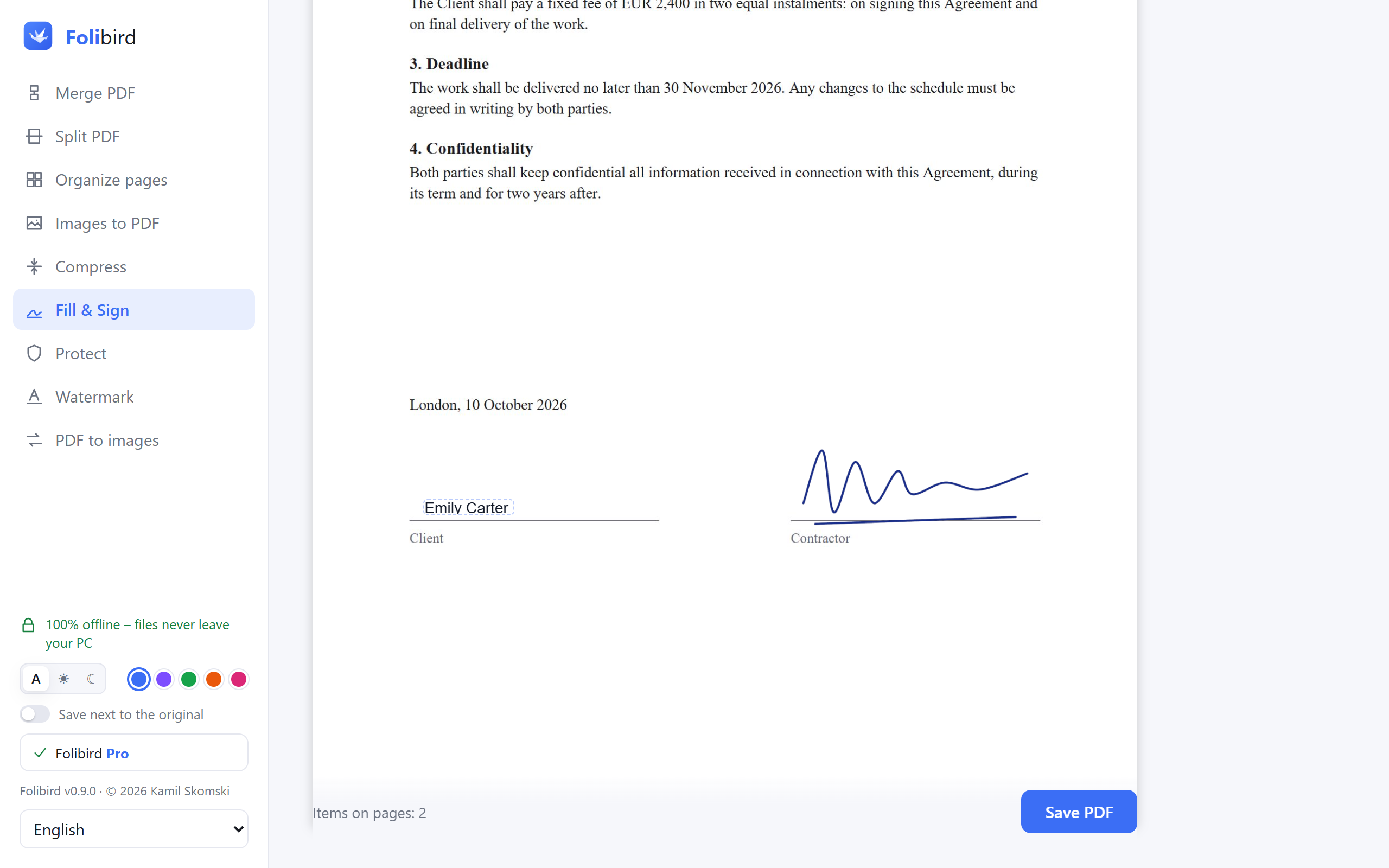
Folibird vs Adobe Acrobat
| Folibird | Adobe Acrobat | |
|---|---|---|
| Merge, split and organize pages | Free | Paid plan (Acrobat Standard / Pro) |
| Compress PDF | Free (Light) · Pro | Paid plan |
| Fill in and sign PDFs | Pro – 3 free tries | Free in Acrobat Reader |
| Password-protect PDFs | Pro | Paid plan |
| Pricing | Core tools free · Pro one-time | Subscription |
| Account required | No | Adobe account |
| Text recognition (OCR) in scans | Pro | Paid plan |
| Permanently black out data (redaction) | Pro | Paid plan |
| Edit existing text, PDF to Word | ✗ | ✓ |
| Windows / Mac | Windows | Windows and Mac |
| Download size | About 4 MB | Several hundred MB |
When Folibird is the better choice
Choose Folibird if you want everyday PDF tools – merge, compress, sign, protect, watermark – in a small, fast app that works offline, with no account and no subscription.
When Adobe Acrobat is the better choice
Choose Acrobat if you need to edit the existing text of a PDF, convert PDFs to Word or Excel, need advanced OCR settings, use a Mac – or if you only fill in and sign: the free Acrobat Reader does that well.
Frequently asked questions
Is Folibird a full replacement for Adobe Acrobat?
No. Folibird doesn’t edit existing text and doesn’t convert to Word. It covers the everyday jobs most people use Acrobat for.
Can I keep using Acrobat Reader alongside Folibird?
Of course – they work fine side by side.
Is Folibird free?
Merge, split, organize, images to PDF, PDF to images and light compression are free forever. Pro (one-time payment) adds Fill & Sign, text recognition (OCR), blacking out data, password protection, watermarks, stronger compression and many files at once.
More PDF guides
- How to sign a PDF without printing it
- How to fill in a PDF form without printing it
- How to make a PDF smaller to send by email
- How to merge PDF files into one
- How to password-protect a PDF
- How to add a watermark to a PDF
Adobe, Acrobat, iLovePDF and Smallpdf are trademarks of their respective owners. Folibird is an independent product and is not affiliated with them. Comparison based on publicly available information as of October 2026 – features and pricing of other products may change, please check their websites.